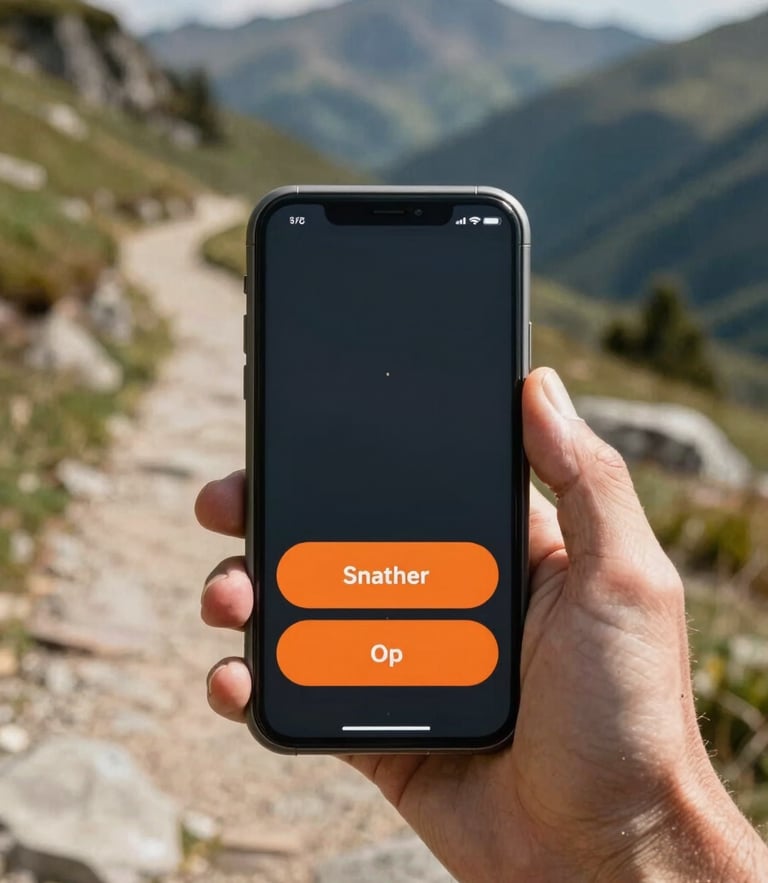
Trail-ready in three steps
Replace your cluttered Android screen with oversized, high-contrast controls. Install our launcher to navigate safely without squinting or stopping.
Three steps to clarity
Follow these instructions to permanently replace your default home screen with our glove-friendly interface.
Download
Set Default
Go Explore
Get the DOROSPORT launcher directly from the Google Play Store on your standard Android device.
Press your phone's home button and select DOROSPORT as your permanent, default home screen launcher.
Launch the trail-ready interface and enjoy instant, high-contrast access to your compass and maps.
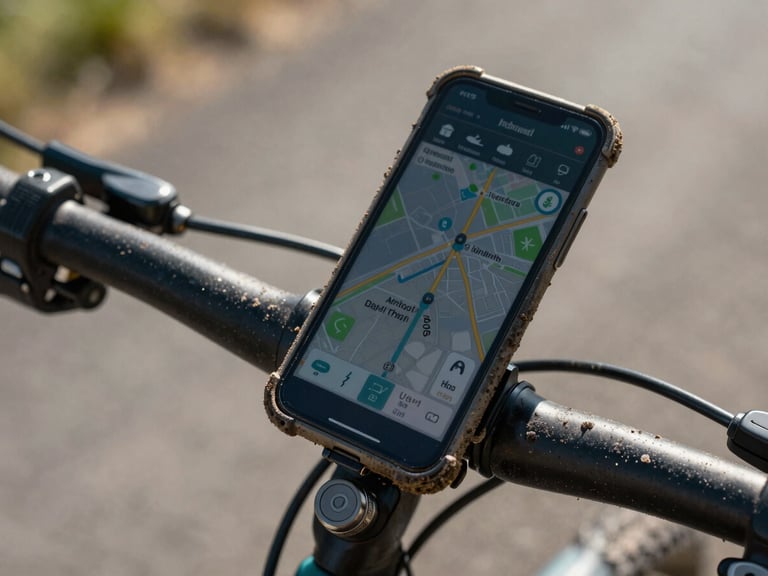
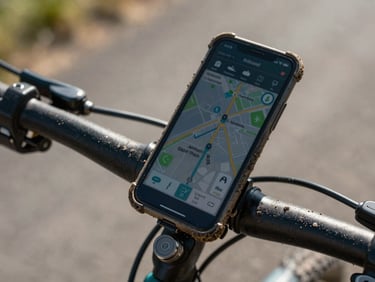
Built for any Android
Whether you use a standard smartphone or a specialized rugged device built for the elements, our interface scales perfectly to deliver maximum outdoor readability.
No custom hardware required. Simply install, set as default, and head out onto the trail with absolute confidence.
Frequently asked
How do I revert to stock?
Will this drain my battery?
You can safely uninstall DOROSPORT at any time through your phone settings to restore your original Android interface instantly.
No. Our minimalist interface is optimized for offline efficiency, using deep charcoal backgrounds that conserve battery life on modern screens.
Need direct assistance?
Can I still use my other apps?
Our Colorado-based support team is ready to help you or your family members get set up.
Yes. You can access all your installed apps through our simplified, oversized app drawer with a single tap.